
Know the platform inside out.
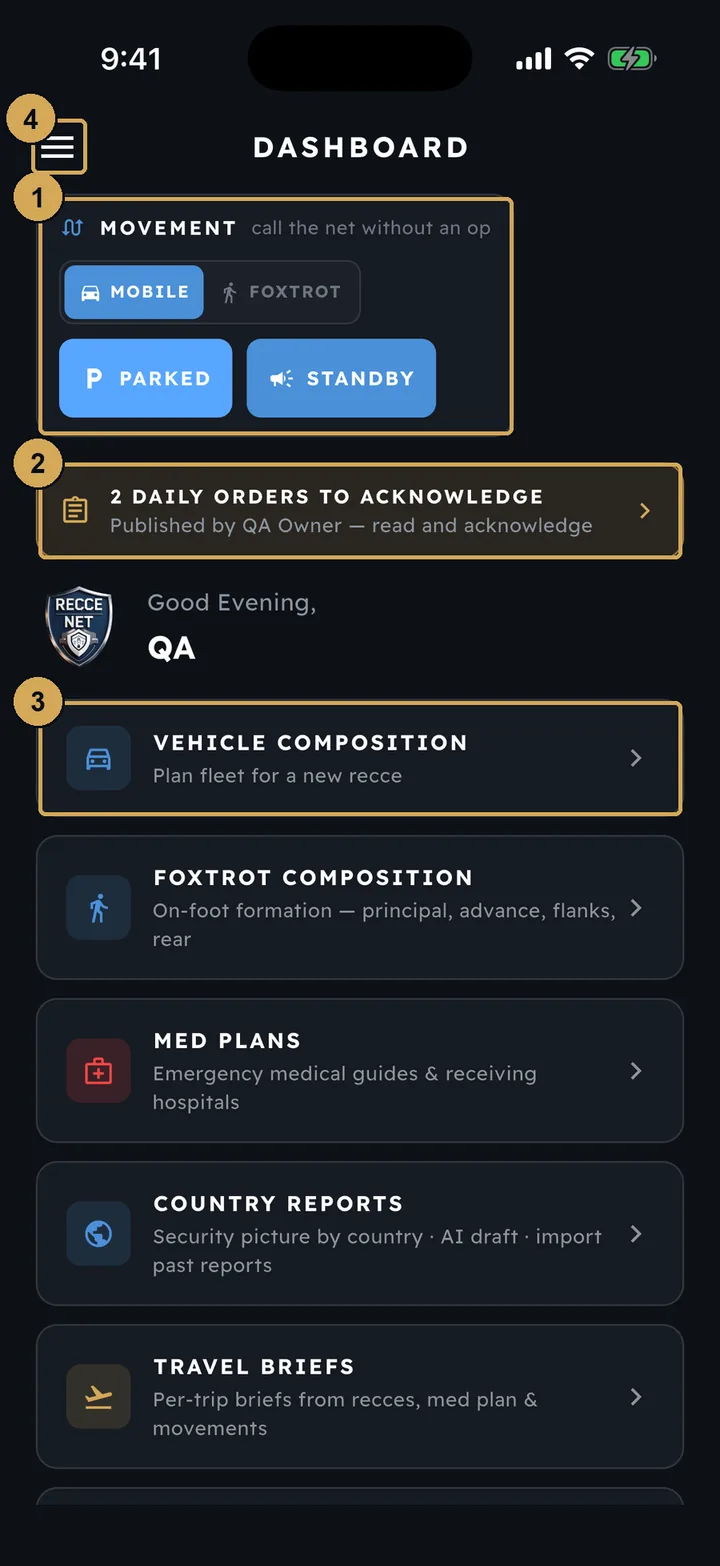
Two guides, illustrated with real screenshots from the app and the console, from sign-up to the day’s orders and movements.
Individual Guide
Sign-up and your Pack, your profile and ID, the ten-step recce, Quick Look, exporting reports, the Recce Library, country reports, med plans, kit and settings.
Read guide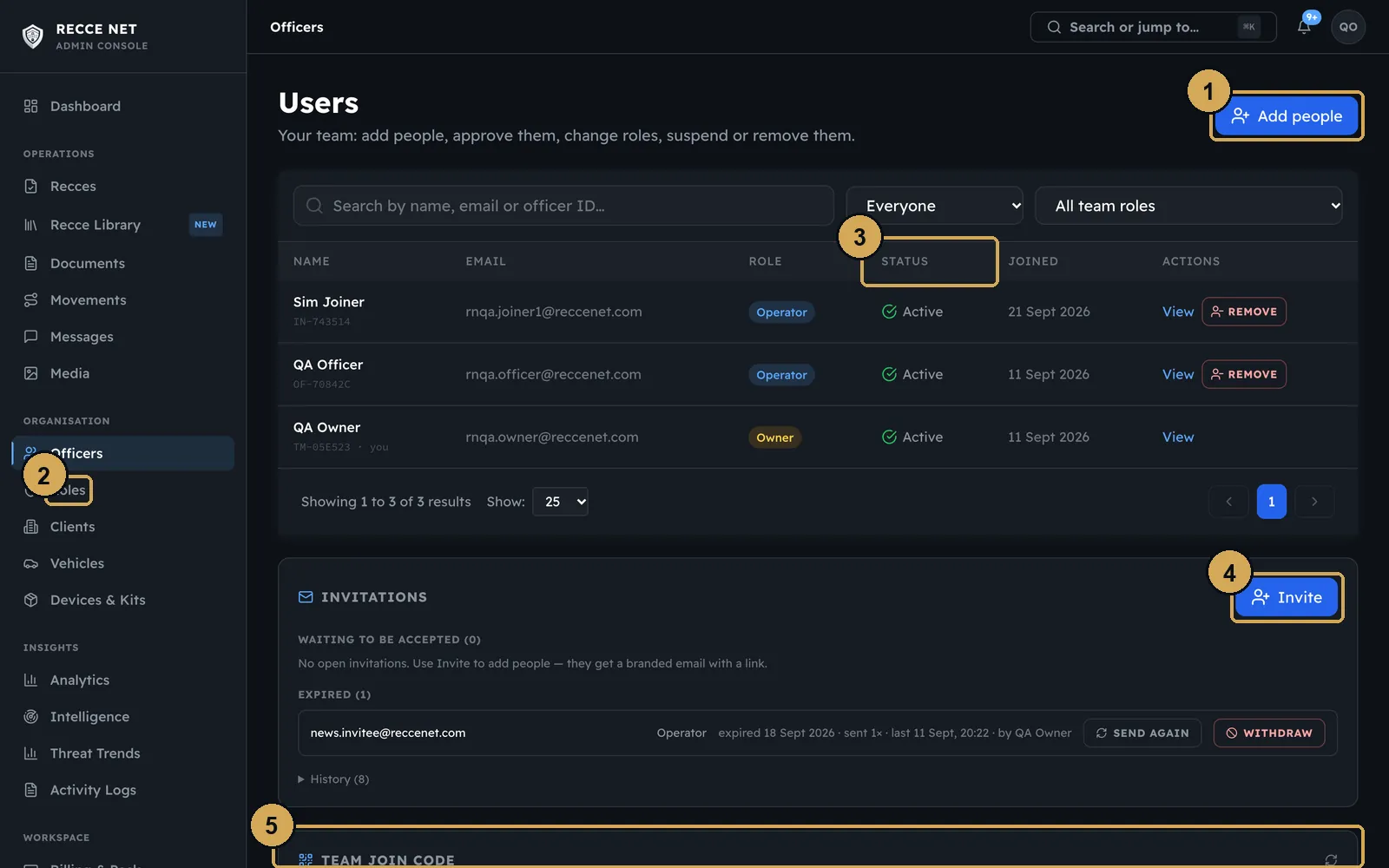
Teams Guide
Join codes, roles and invites, seats and Packs, daily orders, movements, compositions, STANDBY, Net Messenger, the daily log, reviewing recces and a tour of the console.
Read guideHow the whole thing fits together
One record runs from the officer’s phone to the client’s report. The Individual guide follows it from start to finish; the Teams guide adds the people and the day around it.
- 01
On site
The officer works the ten steps, offline if there is no signal. Photos are annotated on the device before they upload.
- 02
In the console
A reviewer reads it in one standard format and either approves it or sends it back with notes.
- 03
On the day
Daily orders go out and every officer acknowledges them. Scheduled movements call STANDBY to the day’s roster, and every call is logged.
- 04
Afterwards
Hand the client a report drawn from the record, as a PDF or a PowerPoint brief, and read the day back in the daily log.
- Field appThe officer records what is there
- ConsoleA reviewer approves it
- On the dayOrders, movements, STANDBY
- ReportDrawn from the record
The ten steps
Every recce follows the same ten steps. The Individual guide shows a screenshot of each one.
- 1Brief
- 2Location & Mapping
- 3Route
- 4Access
- 5Emergency
- 6Threat
- 7Vehicles
- 8Team
- 9Foxtrot (optional)
- 10Review & submit
Because the order never changes, any officer can pick up where another left off — and a reviewer always knows where to look.
Illustrative diagrams, not screenshots of the app. Book a demo to see the real thing.
Get the field app
Live on the App Store and Google Play.